
If your system needs at least 100 W at 6 GHz, put that requirement in your first enquiry. A “100 W amplifier” label leaves out the minimum output, the frequency where you need it and the conditions under which it must be delivered.
Finding that gap after the module is installed can mean revisiting the power supply, heatsink and mounting space. Before comparing prices, check the RF amplifier output power at the frequencies your equipment will use, then compare what each quotation includes.
Send CorelixRF your working band and required minimum output. Say whether you need that power at the amplifier connector or at the load, and which signal you will amplify. You can start with those details before selecting a model.
Match the minimum output to your requirement
Rated output power helps you identify the product class. When comparing minimum vs typical output power, use the minimum entry to screen against your requirement and keep its definition attached.
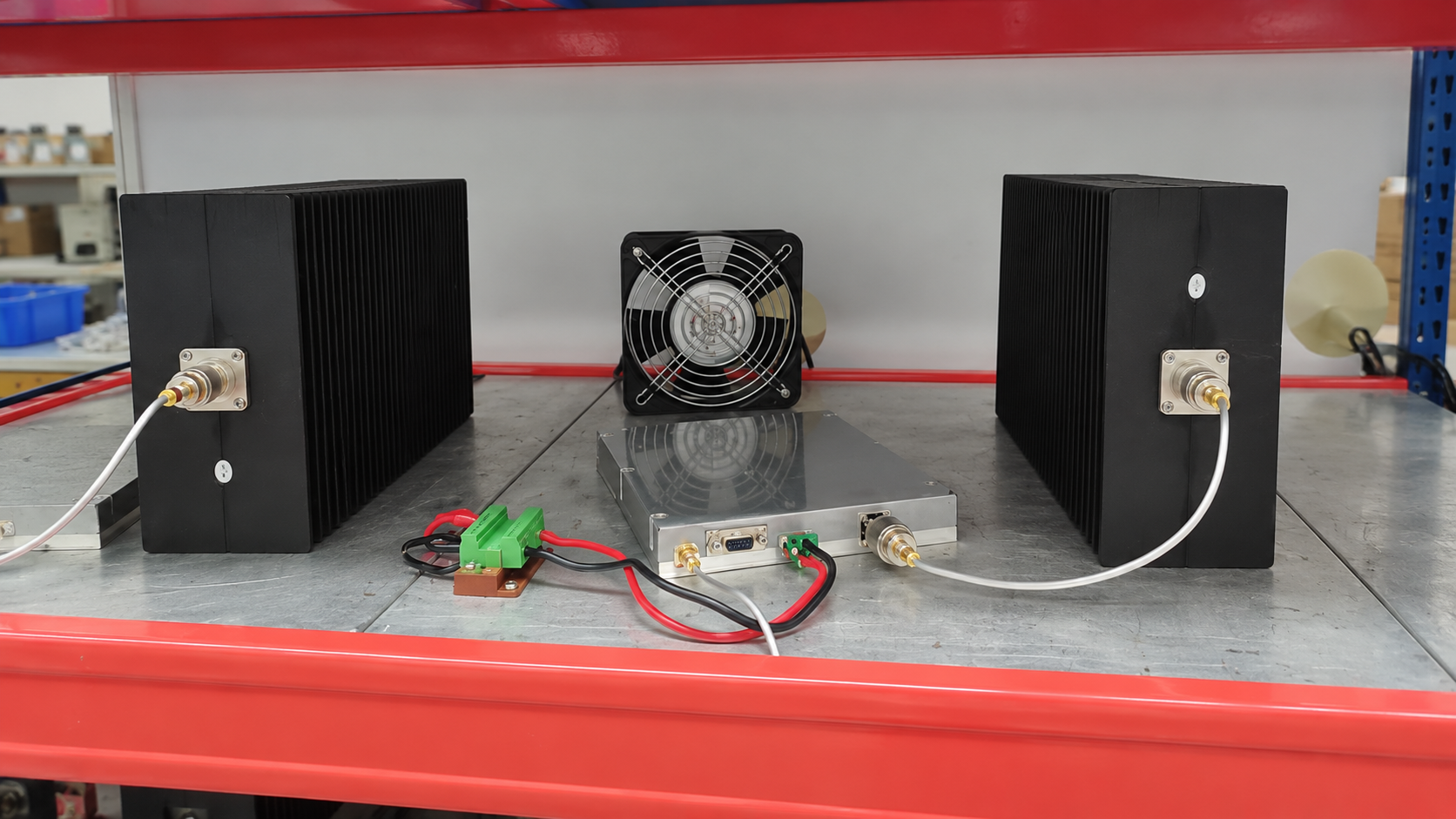
For example, the CorelixRF CRF-PA-2000M6000M-100W is a 2–6 GHz CW module with a 100 W rated designation. Its power figures are:
| Power figure | Value | How to use it when choosing |
|---|---|---|
| Rated designation | 100 W | Identify the power class you are comparing. |
| Minimum Psat | 80 W | Compare with your required minimum saturated output under matching conditions. |
| Typical Psat | 100 W | Treat as a typical reference, separate from the minimum. |

These specifications apply at normal temperature, with nominal 28 V supply, CW operation and a 50 Ω system. Check that the proposed use matches those conditions.
If 80 W of saturated CW output meets your requirement, this model may be worth evaluating. If you need at least 100 W at every working frequency, ask which configuration can meet that minimum. Keep the requirement in the quotation so a typical figure cannot be mistaken for the output you are ordering.
For a modulated signal, also define the acceptable distortion. Meeting a saturated-power figure alone does not establish that the waveform will meet its quality limit.
Ask for output at your working frequencies
A 100 W rating does not mean every test point will read exactly 100 W. One test record for this module contains these output values, converted from dBm and rounded:
| Test frequency | Recorded output, approximately |
|---|---|
| 2 GHz | 90.8 W |
| 4 GHz | 95.5 W |
| 6 GHz | 100.2 W |
Those are measured points from one record, rather than minimum specifications. They show why it is useful to ask for the output at your own frequencies. The reading at 6 GHz alone would not answer a requirement at 2 GHz.
For a fixed channel, request the output at that channel. For a sweep, specify the interval and agree the test points. Ask for the minimum output the supplier can confirm as well as representative readings, with the input drive and cooling conditions used.
Include the drive level your source can provide. An amplifier that reaches the required output with a laboratory source still needs to work with the source in your equipment. Ask what input level the proposed configuration needs and what input limits apply; do not infer either from its output-power label.
Include the cable and cooling in the comparison
Power at the amplifier connector and power at your load are different requirements. If you need 100 W after a cable, switch or fixture, include that path in the enquiry. Ask where the quoted output is referenced and how path loss is accounted for. This lets the supplier assess the required amplifier output before you choose a power class.
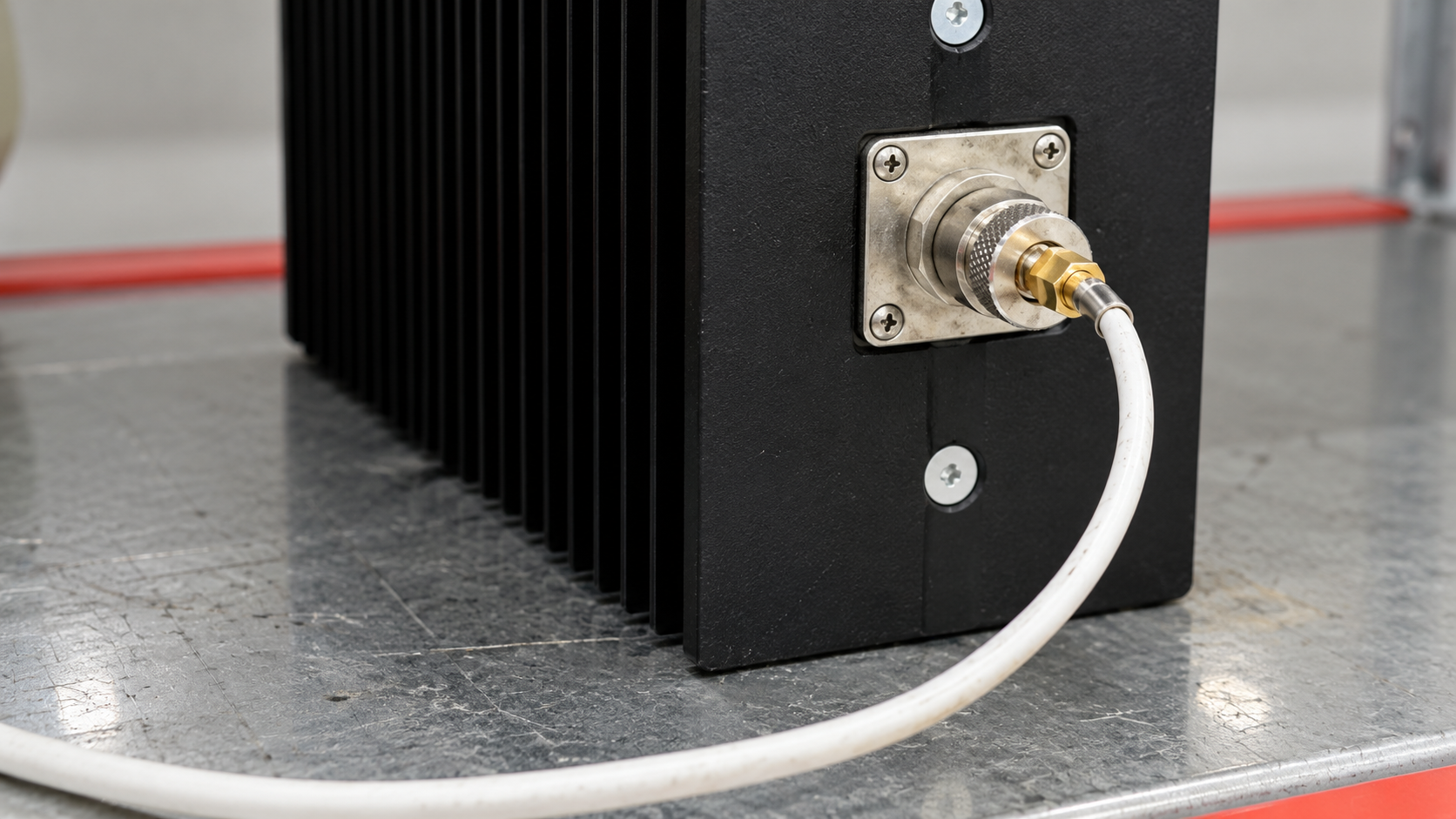
The 2–6 GHz module uses an external heatsink. Clarify what is supplied and what your team must provide, including the mounting arrangement and available airflow. For continuous operation, agree the cooling conditions and how long the required output must be maintained. A powered-on reading alone does not establish sustained output after the assembly has heated up.
When comparing a module with a complete amplifier unit, include the power supply, cooling, controls and integration work in both offers. If your equipment already provides suitable support, a module may fit the design. If those parts still need to be developed, include that work in the comparison. The RF amplifier range is a starting point for discussing the configuration and delivery scope.
Use the right power figure for your signal
An RF amplifier Psat figure describes saturated power. A CW amplifier output power specification helps you screen for a CW requirement; a modulated waveform needs an output figure tied to its bandwidth and quality limit.
For example, if your acceptance requirement includes EVM or adjacent-channel emissions, ask for the output that meets that requirement with your waveform. Keep the waveform, occupied bandwidth and measurement settings with the result. The EVM vs output power guide explains how to compare those operating points.
A higher nominal power class may be worth considering if the available output is insufficient. Compare its performance at the required operating point, then check input drive, supply and cooling. Choosing a larger label alone leaves those questions open.
Get a quotation around your actual power requirement
Start your CorelixRF amplifier enquiry with these three lines:
- Working band or frequencies: [your range or channels]
- Required minimum output: [power], at [the amplifier connector or load]
- Signal: [CW, pulsed or the waveform and occupied bandwidth]
If temperature or continuous run time is part of acceptance, include it in that first message. Add available source level, supply, cooling limits and installation space when known. Quantity and project timing also help define the quotation.
Ask the reply to identify the proposed configuration, the output basis and the included integration items. You can then compare offers against the same requirement and follow up on the specific items that remain open.