
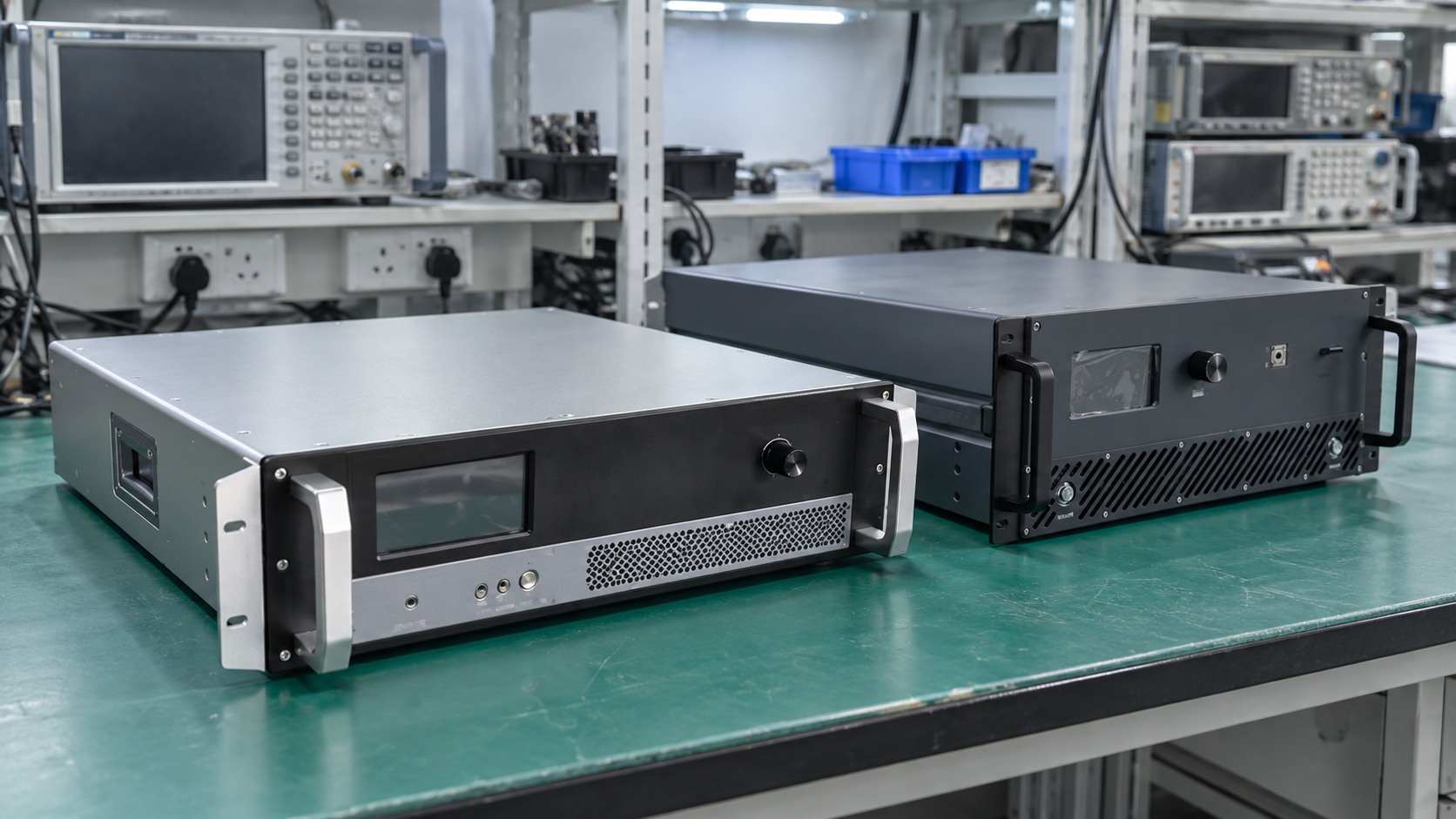
Radio frequency bands group frequencies under names such as UHF, S-band and Ka-band. These names help describe a system, but they do not give enough detail to choose an RF amplifier. To find the best fit, start with the exact range your signal needs.
First, state your lowest and highest working frequencies in MHz or GHz. Then check that range against the model datasheet. CorelixRF’s RF power amplifier range includes models with different ranges. Choose one that covers all your working frequencies.
Throughout this article, any CorelixRF technical-documentation support, application review, customization path, or test-data recommendation is subject to project review, the supplied product configuration, and the project’s requirements.
1. Read the radio frequency bands chart
HF, VHF, UHF, SHF and EHF divide radio frequencies into broad ranges. In each band, the upper limit is ten times the lower limit. The chart below shows these five bands.
| Band | Meaning | Frequency range |
|---|---|---|
| HF | High frequency | 3–30 MHz |
| VHF | Very high frequency | 30–300 MHz |
| UHF | Ultra high frequency | 300–3,000 MHz |
| SHF | Super high frequency | 3–30 GHz |
| EHF | Extremely high frequency | 30–300 GHz |
These band definitions exclude the lower limit and include the upper limit. However, equipment datasheets state their own range limits and test conditions.
These radio frequency bands are much wider than many amplifier ranges. For example, UHF spans above 300 MHz through 3 GHz. A 1–2 GHz model covers only part of UHF.
Before you compare models, put their limits in the same units. One GHz equals 1,000 MHz, so 1,000–2,000 MHz and 1–2 GHz mean the same range. The units change; the coverage stays the same.
Use the band name to find options. Then note the exact range beside each model.
2. Translate microwave band names into GHz
Microwave letter bands are another way to group radio frequency bands. They overlap the broad ranges above. For example, L-band falls within UHF, while S-band crosses from UHF into SHF.
This guide uses 26.5 GHz as the boundary between K and Ka. If your project uses a different convention, write the exact limits beside each band name.
| Letter band | Frequency range used in this guide |
|---|---|
| L | 1–2 GHz |
| S | 2–4 GHz |
| C | 4–8 GHz |
| X | 8–12 GHz |
| Ku | 12–18 GHz |
| K | 18–26.5 GHz |
| Ka | 26.5–40 GHz |
A Ka-band request still needs lower and upper limits. For example, a 30–35 GHz project needs less coverage than one that spans 26.5–40 GHz. Both may use the same band name.
When reviewing microwave and mmWave amplifier platforms, compare their stated ranges with your project limits. A category name helps you find options. The model datasheet tells you whether its range fits.
Also check every RF part in the signal path. A wide amplifier range cannot extend the range of a cable, filter or load.
3. Define your required operating range
Before you choose a model, list where your signal will operate. Include every planned working frequency. Also include any extra sweep range your test plan needs.
A full span differs from a set of test points. For example, tests at 1.2, 1.3 and 1.4 GHz check three points. In contrast, a continuous 1.2–1.4 GHz range includes all the frequencies between them.
Separate these details in your specification:
- Lowest and highest operating frequencies.
- Fixed frequencies, continuous sweeps or separate operating windows.
- Occupied signal bandwidth around each carrier.
- Additional frequencies required for calibration or testing.
The rated frequency range tells you where the amplifier should work. However, it does not show how it will handle every wideband signal. List your waveform needs too, especially when distortion or signal quality affects the pass/fail result.
For a dedicated operating window, review narrowband RF amplifier options against your numerical limits. Wider coverage may help with more tests, but first check whether you need it.
4. Check power and gain across your required range
Frequency coverage is the first check. Next, review output power, gain and the test conditions. All must fit your system.
Check both ends of your range against the datasheet. Then read how each value is defined. A typical result at one frequency is not a minimum for the whole band.
For each candidate, check:
- Whether its specified range includes every required working frequency.
- Whether power and gain values are minimum, typical or otherwise qualified.
- Which supply, input signal and test conditions apply.
- Whether you need tests at more frequencies.
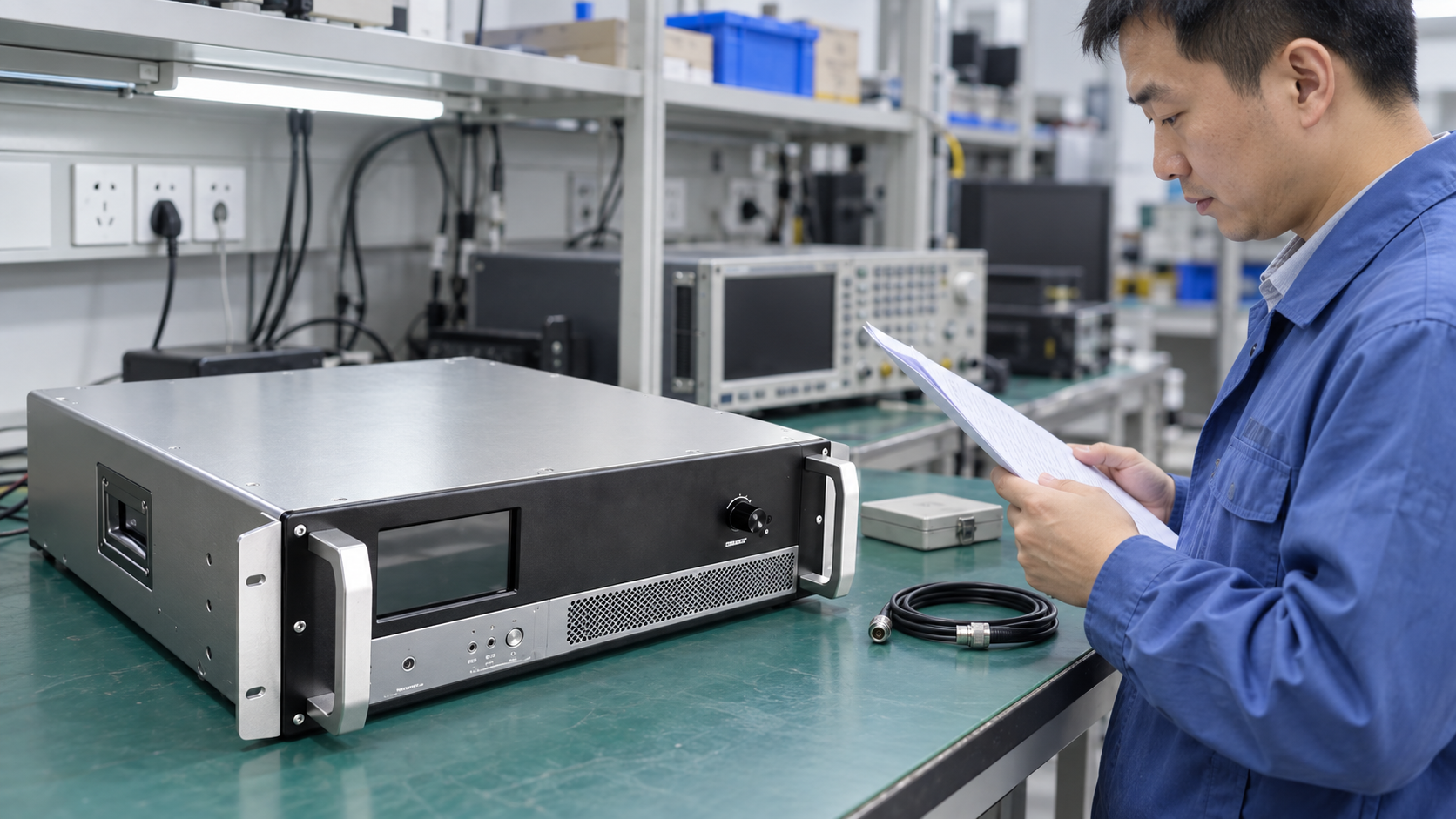
Keep distinctions between output ratings when using a power amplifier specification guide. For example, saturated power and power at a stated compression point use different limits. Usable output with a modulated signal may differ too. A band name cannot tell you which power value fits your needs.
Your RF amplifier test plan should state the test frequencies and pass/fail limits. Include band edges or specific working points if your system needs them. Agree on these checks before you make them part of the purchase terms.
5. Compare two CorelixRF datasheet examples
The two CorelixRF models below show how to compare exact ranges. Their datasheets give the frequency and rated power values in this table. These values help with the first check; they do not replace a full review.
| CorelixRF model | Specified frequency range | Listed rated output power |
|---|---|---|
| CRF-PA-1000M2000M-50W | 1,000–2,000 MHz, equivalent to 1–2 GHz | 50 W |
| CRF-PA-26500M40000M-40W | 26.5–40 GHz | 40 W |
A requirement within 1–2 GHz
For example, suppose your project needs 1.2–1.4 GHz. CRF-PA-1000M2000M-50W covers that span because both limits lie within its rated 1–2 GHz range. In contrast, 2.1 GHz falls outside it. This is a range check, not a test result.
The ranges match, but you must still check the listed 50 W rating. Does its power definition fit your signal and test conditions? Use the 1–2 GHz 50 W amplifier RFQ guide to organize the remaining model-specific questions.
A requirement within 26.5–40 GHz
Similarly, an example project that needs 30–35 GHz falls within the rated range of CRF-PA-26500M40000M-40W. This confirms a range match only. You still need to review power, gain and the other limits for your system.
Also keep the full model number and datasheet revision in your notes. The CorelixRF datasheet library is a starting point for finding these documents.
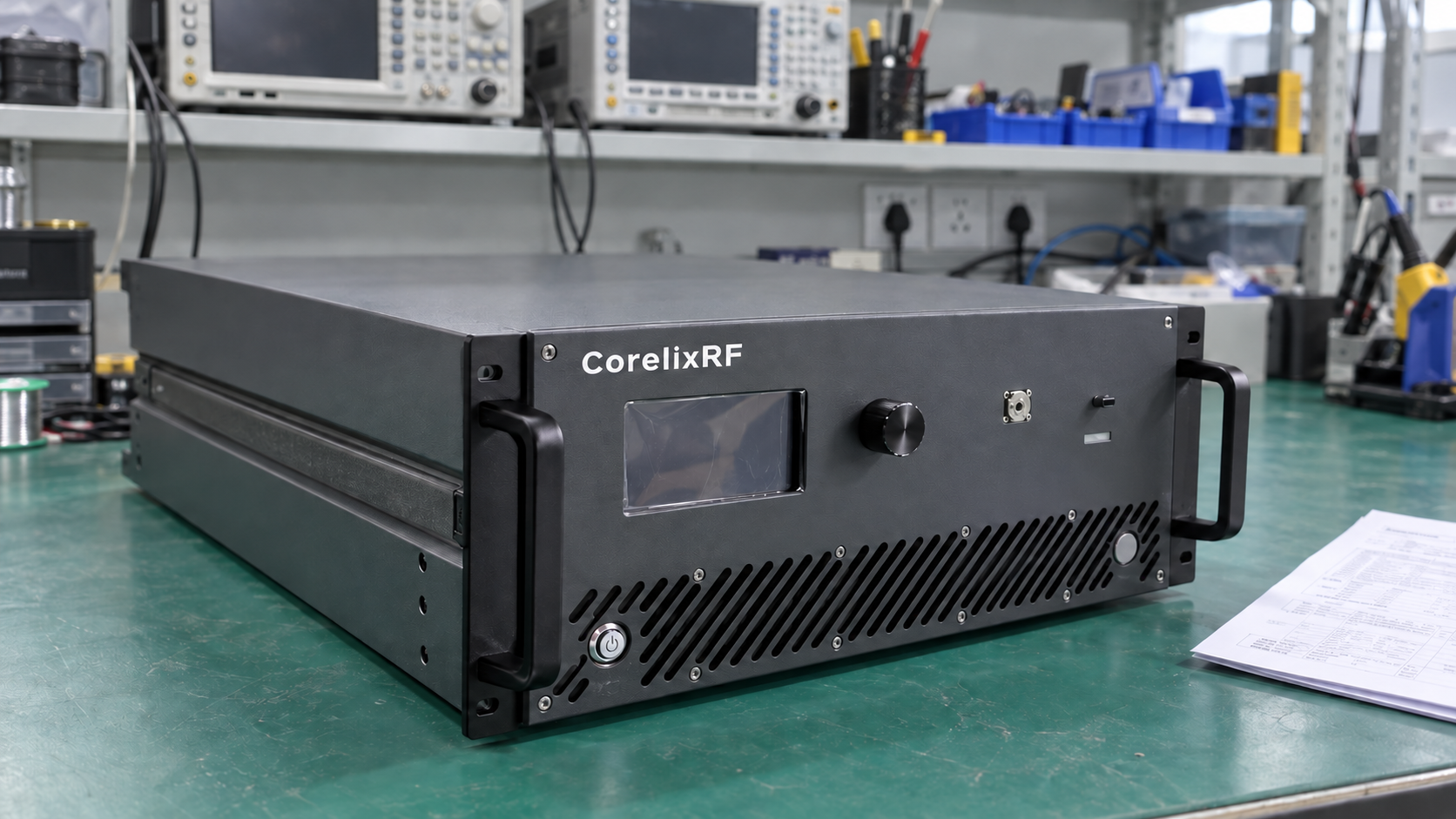
6. Specify radio frequency bands and exact limits in your RFQ
Your request for quotation (RFQ) should pair the working range with the output you need. Use radio frequency bands as labels, then state the exact limits in MHz or GHz.
Provide these details for review:
- Required frequency range in MHz or GHz.
- Continuous coverage or a list of separate working frequencies.
- Required RF output power and its definition.
- Signal type and waveform conditions.
- Input source level, load and RF connection requirements.
- Test frequencies and pass/fail limits.

If output needs vary by frequency, attach a list of working points and power levels. This gives both teams the same limits to check. It also avoids guesses based on a broad band name.
Common questions about radio frequency bands
Does a UHF amplifier cover every UHF frequency?
Check its datasheet. For example, a 1–2 GHz model covers only part of UHF. The UHF label alone does not promise coverage of the whole band.
Can L-band and UHF describe the same frequency?
Yes. L-band’s 1–2 GHz range lies within UHF’s wider range. However, the names come from different ways of grouping frequencies.
Are 1,000–2,000 MHz and 1–2 GHz equivalent?
Yes. Divide MHz values by 1,000 to express them in GHz.
Does 26.5–40 GHz coverage guarantee my required output at every frequency?
No. Check the power rating and its test conditions too. A frequency range alone does not show that a model meets your power, distortion or waveform needs.
What should accompany a Ka-band amplifier inquiry?
Give the exact frequency limits, output needs and signal type. Also list any working points that need separate tests.
Send those requirements to the CorelixRF engineering team, along with your candidate model numbers. The team can check these needs against the model datasheets.